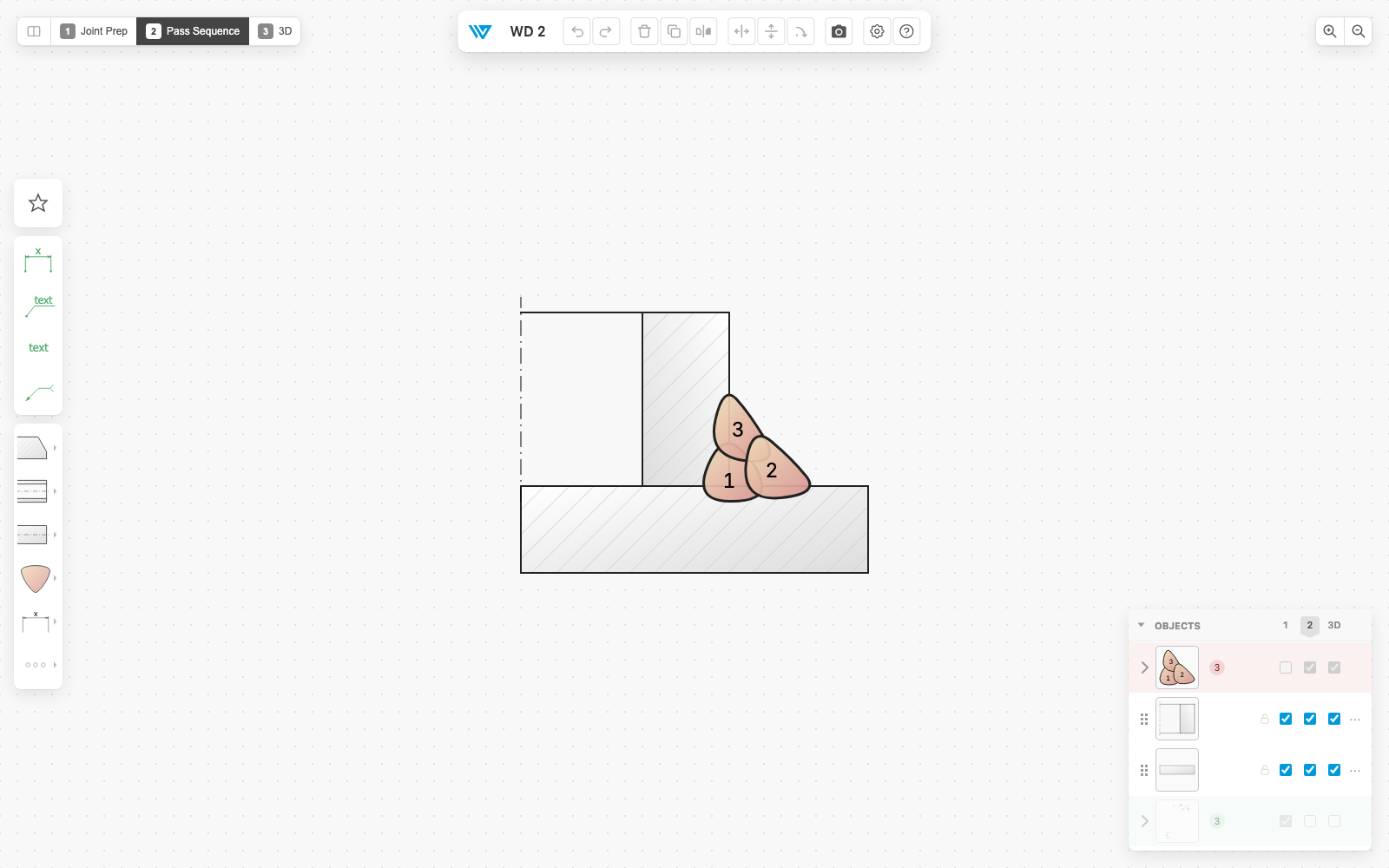
The joint in 3D
- Press 3 or click the 3D button: the drawing you already have becomes a 3D section view.
- Rotate it with the mouse; Front and Angled take you back to a clean pose.
- The 3D column in the layer palette decides which objects appear; parts with no 3D shape say so.
- With the 3D engine off in Preferences, the 3D view, the column and the badges all disappear.
3 Show the 3D view
Esc Leave the 3D view